
Wan 3.0 frames to video
Upload a first and last frame, or any two images, then describe what happens in between. Wan 3.0 fills in the motion as up to 30 seconds of video with sound.
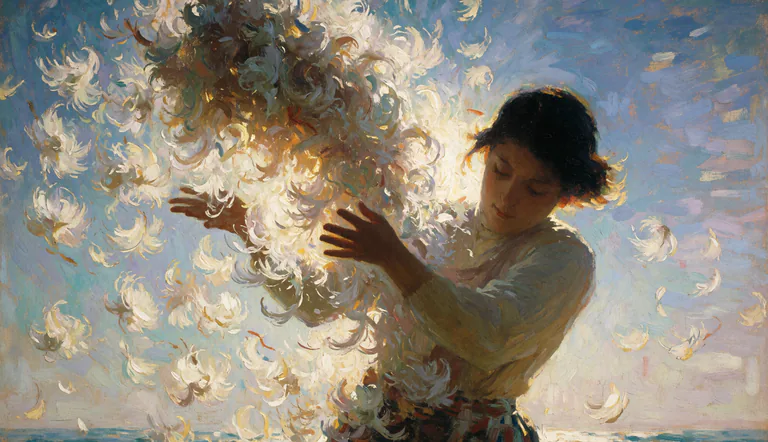
5s Living Oil Painting | 16:9 | Impressionist Post-Painterly Texture | Sea-Cliff Wind and Scattering Blossoms FIRST FRAME: strictly preserve the reference image's original composition, palette, and brushwork. Nothing is re-rendered as photoreal — the animation must look like an oil painting in motion, visible impasto strokes and palette-knife ridges holding their identity as they move. SUBJECT: young dark-haired woman in a sage-olive long-sleeved blouse with a patterned sash, head tilted down and to her right, eyes lowered, expression calm and inward. Both bare forearms lift toward a great bundle of white chrysanthemum blooms breaking apart in the air before her. Face structure, hair mass, sleeve folds, and skin tone stay consistent throughout.
Frames to video examples
 Official sampleWan 3.0
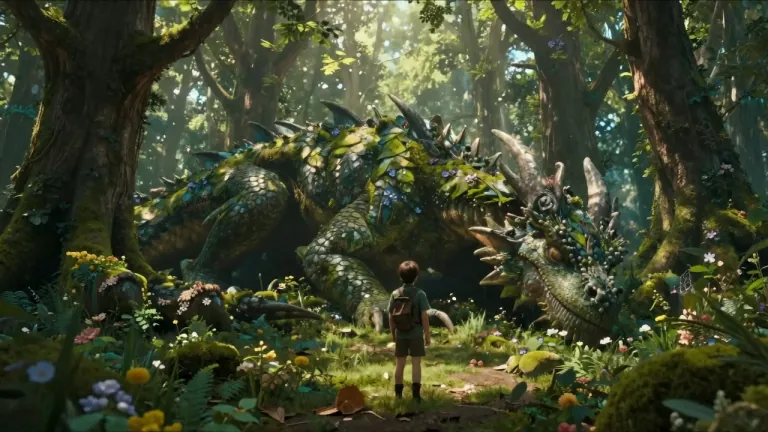
The dragon slowly opens its eyes, leaves move from its breathing, glowing particles float around the forest, the ranger slowly steps forward and reaches out a hand. The camera slowly circles around both characters revealing the enormous scale difference.
 Official sampleKling 3.0
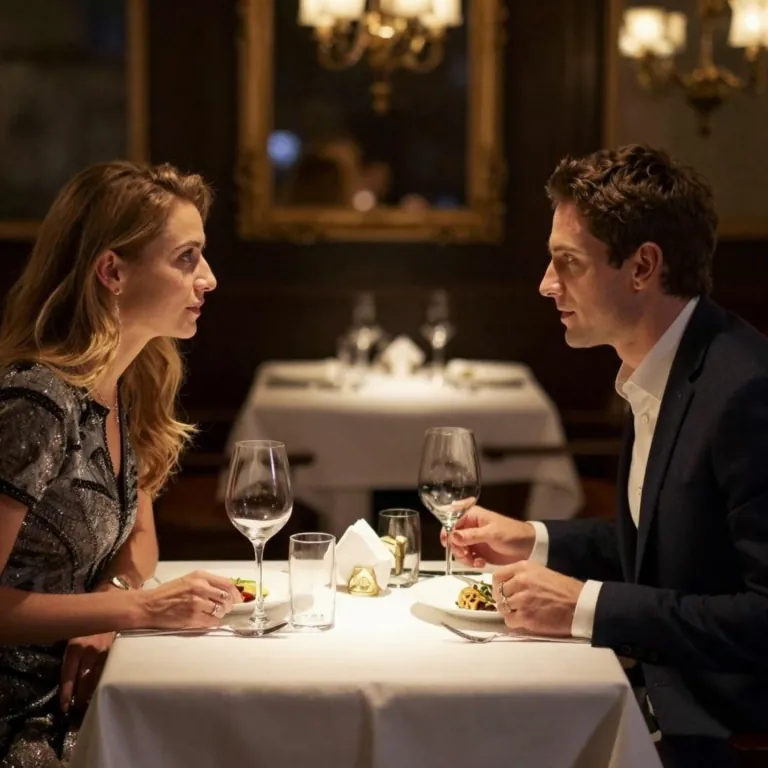
A couple sits face to face at an elegant white-clothed dinner table in an upscale restaurant. The woman in a beaded black evening dress gazes at the man across the table, her lips parting slightly as she speaks, her blonde hair catching the warm ambient light. The man in a dark navy suit leans slightly forward, listening attentively, then responds with a subtle nod and a gentle smile. His right hand gestures softly near his plate as he talks. Between them, two wine glasses with red wine catch and refract the golden chandelier light — the liquid shimmers faintly as the table vibrates with subtle movement. The woman reaches for her wine glass, lifts it gracefully, and takes a slow sip. In the background, a gold-framed mirror reflects the dim restaurant interior, and a crystal chandelier overhead casts warm, flickering candlelight-style glow across the scene. Other white-clothed tables sit softly out of focus. Intimate atmosphere, warm golden tones, cinematic shallow depth of field, slow elegant pacing. 4K, 24fps.
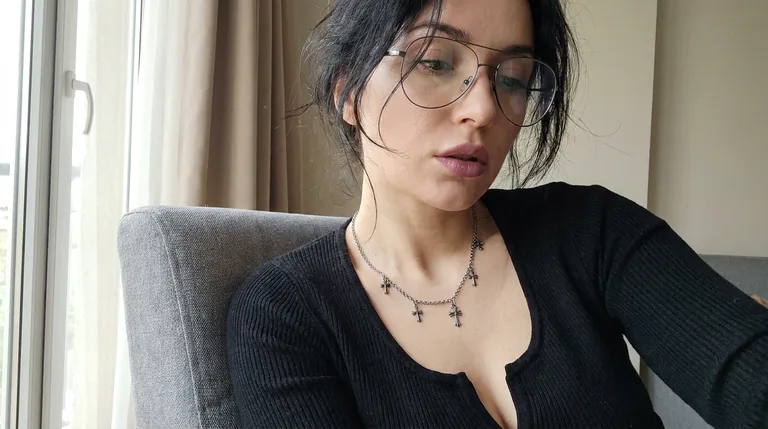 Official sampleMiniMax H3 Max
She is saying "I heard something. MiniMax H3 Max is here?.. Is that true?"
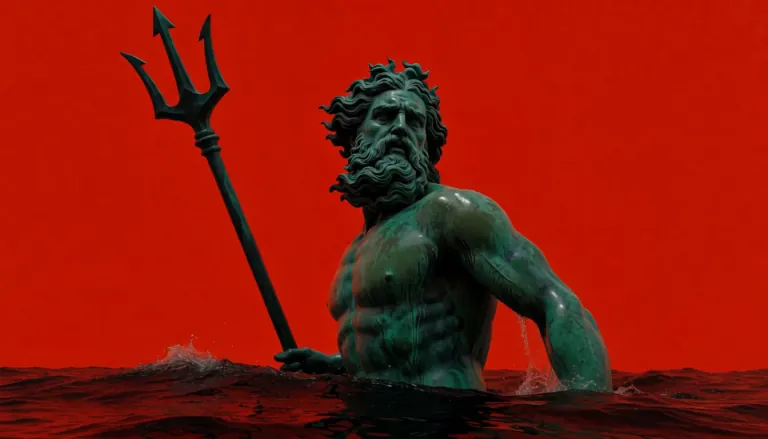 Official sampleMiniMax H3 Max Turbo
Minimalist surreal advertising shot: a weathered bronze sculpture of Poseidon with heavy green verdigris patina, dark oxidation streaks and a wet sheen stands waist-deep in dark, near-black glossy water against a completely flat, saturated vermilion red background with no sky, horizon, or gradient. Wild curling hair, thick sculpted beard, muscular torso, soft diffused frontal lighting, subtle film grain, hyperrealistic 3D render, 16:9. The statue begins still with his head turned slightly off-camera and water rippling gently around the torso, then slowly turns his head to face the lens and raises the bronze trident in one deliberate motion, prongs pointing toward the upper-left corner, water streaming off the shaft. As the trident reaches its peak, his bronze lips move with full lip sync and he speaks, calm and commanding: "H3 Max Turbo. Faster than waves." Bold motion-graphics typography appears in the upper-right red negative space in a heavy clean sans-serif, off-white with a thin verdigris-green edge, each word landing exactly as it is spoken: "H3 MAX" snaps in with a hard scale punch and a quick tracking expansion, "TURBO" slams in below it slightly larger with a brief chromatic-glitch flicker, then the first two words cut away and "FASTER" sweeps in from the right with a fast motion-blur slide, followed by "THAN WAVES" rising from below with a subtle liquid-wave ripple distortion that settles into crisp letters. The stacked words hold for a beat, then dissolve in a fine spray of droplets as a ring of white splashes bursts outward from the water. Slow push-in from a medium shot to a medium close-up, low heroic angle, locked horizon, single continuous take with no cuts. Deep, gravelly male voice with a faint stone-hall reverb, low ocean rumble and lapping water underneath, a subtle metallic creak as the bronze moves, soft percussive whooshes and thuds synced to each text hit, no music.
 Official sampleKling 4.0
She lifts her coffee cup, smiles softly at the camera and tucks a curl behind her ear, gentle cafe ambience, slow push-in
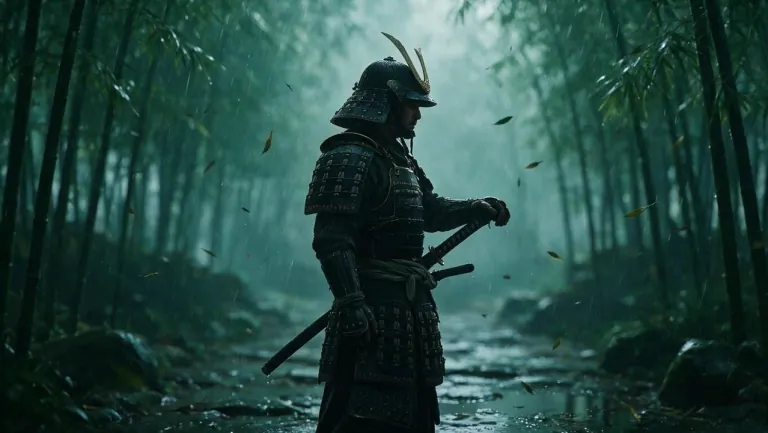 Official sampleWan 3.0
Heavy rain pours through the bamboo forest. The samurai slowly turns his head, then in one lightning-fast motion draws his katana and slices a falling bamboo leaf in half mid-air. Water sprays from the blade, leaves swirl around him. The camera pushes in from a low angle. Sound of rain, rustling bamboo and the sharp ring of steel.
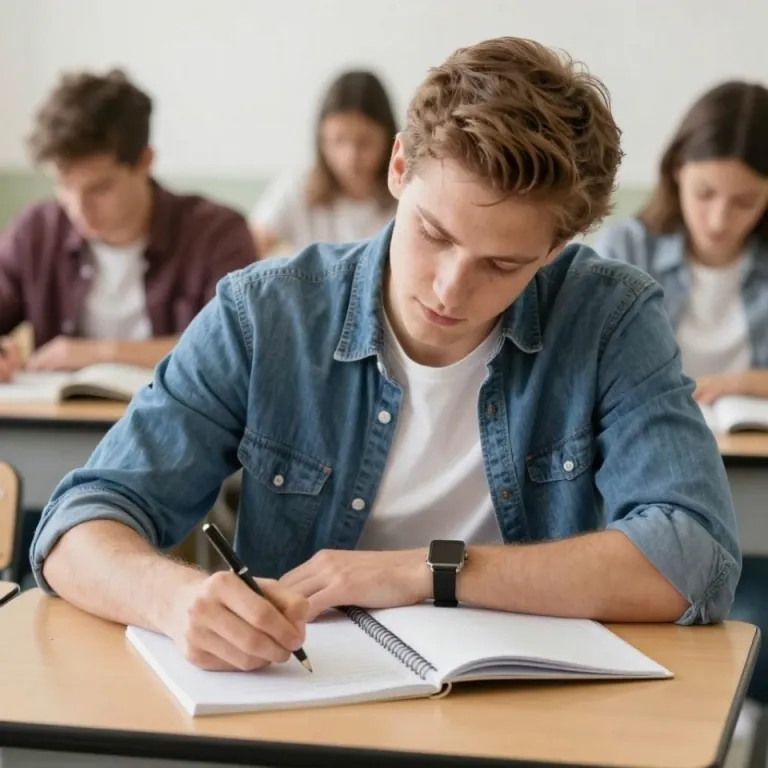 Official sampleKling 3.0
The young man in the denim shirt focuses intently on his notebook, his right hand moving steadily as he writes line by line with a black pen. His fingers grip the pen with slight natural adjustments. He occasionally pauses briefly, tilting his head slightly as if thinking, then resumes writing. The pages of the spiral notebook shift subtly with the pressure of his hand. In the blurred background, other students are also quietly studying, with minimal movement — turning a page, shifting posture. Soft, natural classroom lighting with gentle ambient sounds. Smooth, realistic motion, cinematic shallow depth of field. 4K, 24fps.
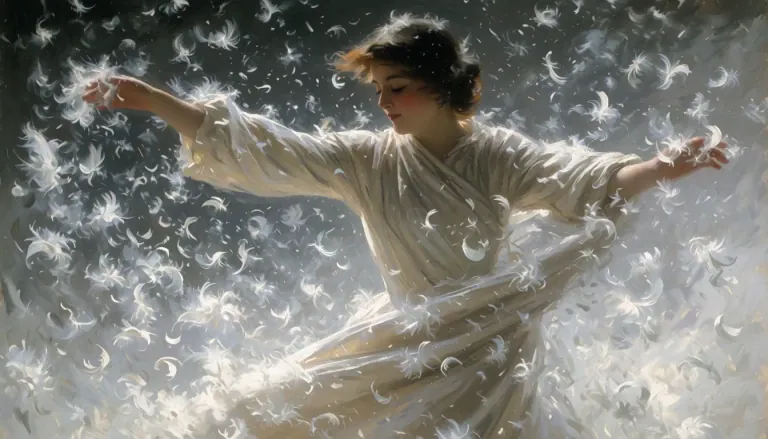 Official sampleMiniMax H3 Max
She spins. A woman in flowing ivory silk turns hard through a violent updraft of white feathers, her skirt flaring wide and heavy as it whips around her legs, sleeves snapping like sails. She throws her head back, hair breaking loose from its pins and streaming sideways, then drops her chin and opens her eyes — laughing. Her outstretched arms sweep down and across, carving visible channels through the feather storm, dragging spiral vortices behind her fingertips. Feathers explode outward on each rotation, some slamming against the lens, others caught and flung upward by the momentum of her skirt. She plants one foot, pivots, and reverses direction; the fabric lags a half-beat behind her body, then catches up and slams around her hips. The light surges from dim to blazing as the storm parts.
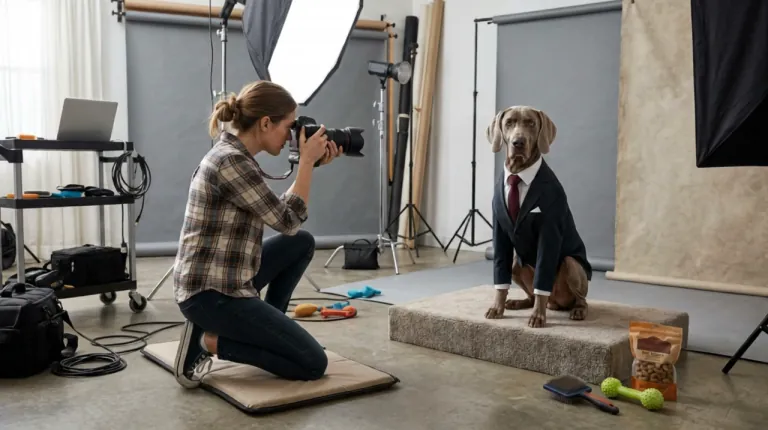 Official sampleKling 4.0
The photographer raises the camera and tries to get the dog to smile by shaking a toy. The dog remains completely serious. She tries a treat. The dog slowly adjusts its tie with one paw and continues staring directly into the camera. She lowers the camera in disbelief. The camera begins from her shooting position, then gently pushes toward the dog’s deadpan expression. Sophisticated visual comedy, realistic animal movement, polished studio lighting.
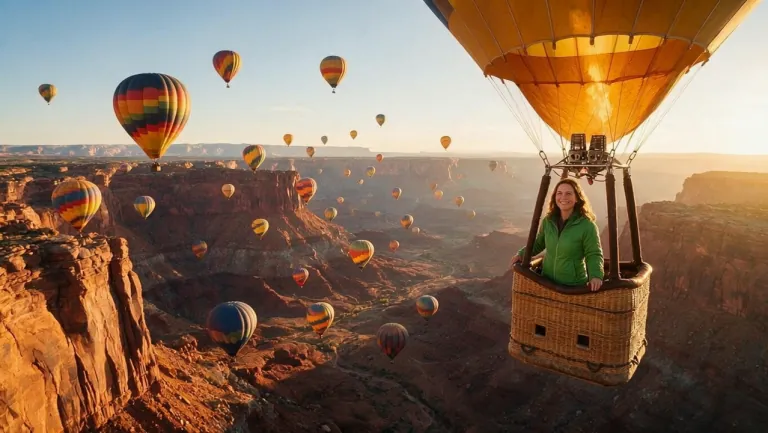 Official sampleWan 3.0
The burner above the basket roars with a burst of flame, and the balloon rises gently over the canyon as dozens of colorful balloons drift in the golden sunrise. The woman leans on the basket edge, looks at the camera and says with a big smile: "Best morning of my life. Look at this view!" The camera slowly pulls back into a wide aerial shot of the canyon.
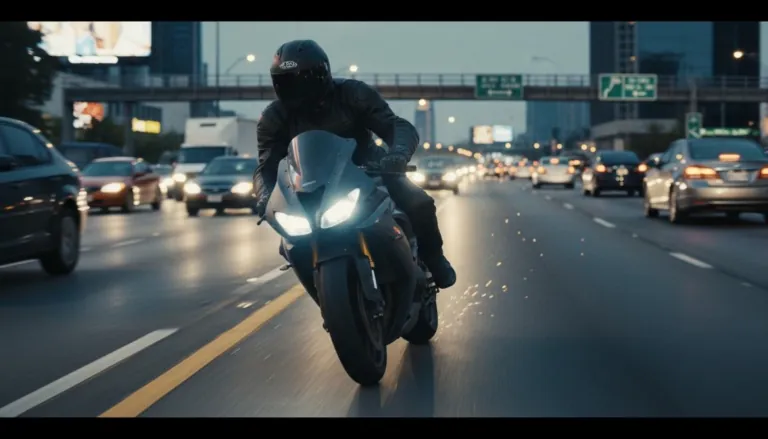 Official sampleKling 3.0
Motorcycle racing through traffic at dangerous speeds
First and last frame to video: three pairs we ran
Each pair is a start and end frame we made for this page, then gave to Wan 3.0 at 480P for 5 seconds. Other tools call them the first and last frame, or keyframes. The gap between the two images grows from the first tab to the last; the same idea works for the front and back of a product, or a sketch and the finished drawing.
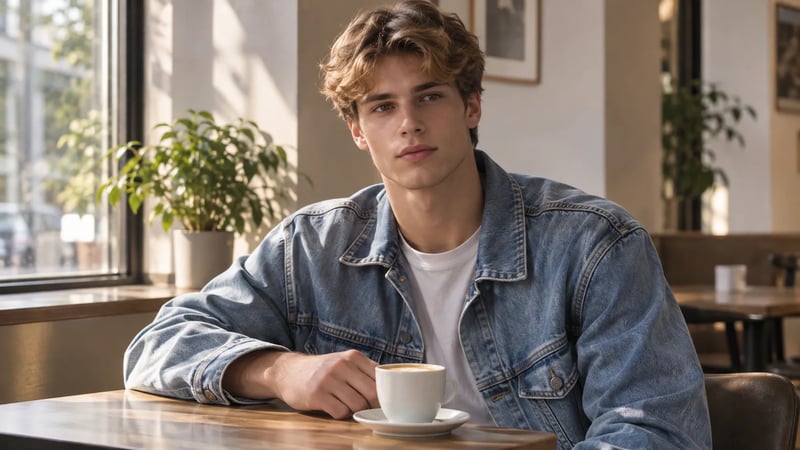
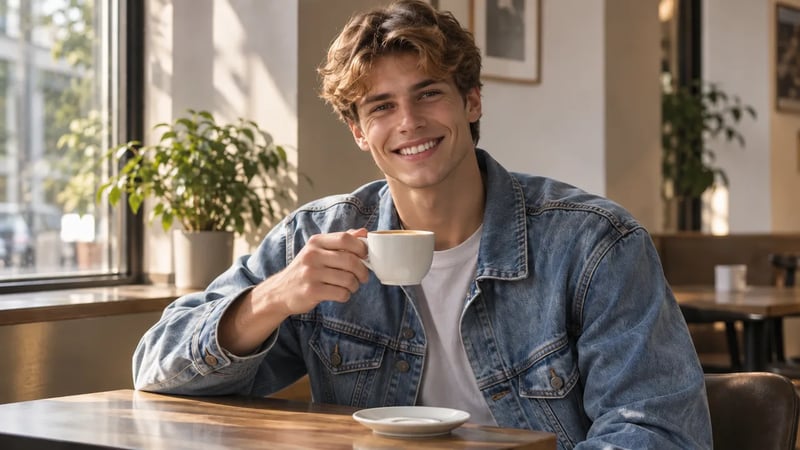
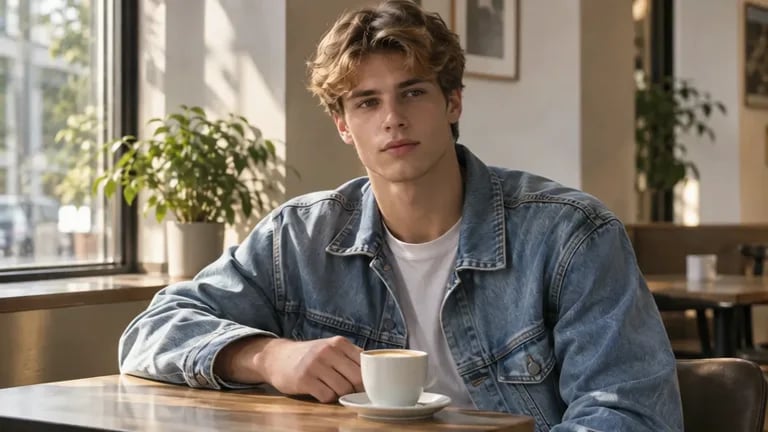
Same person, same seat, same light. Only his face and one hand change, so the two images are close.
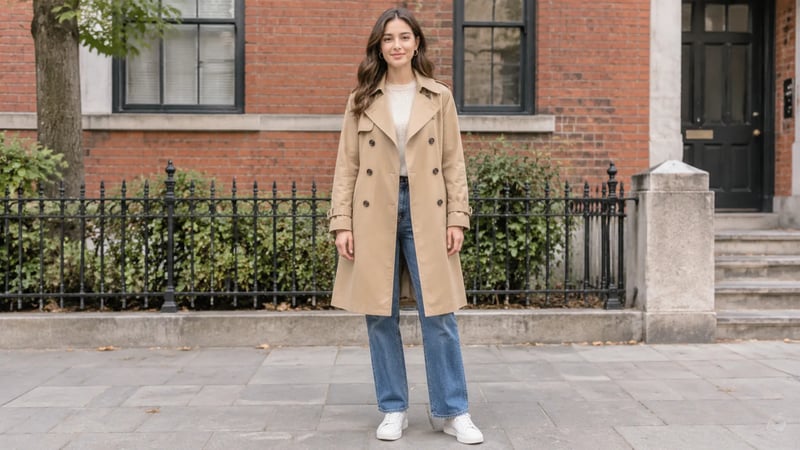
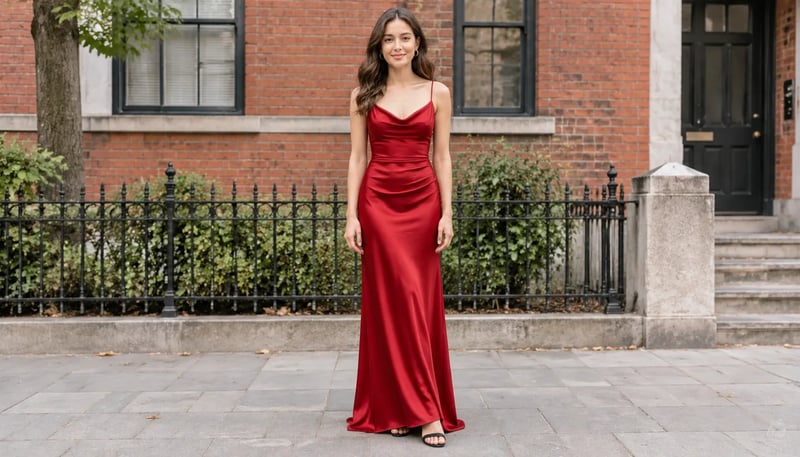
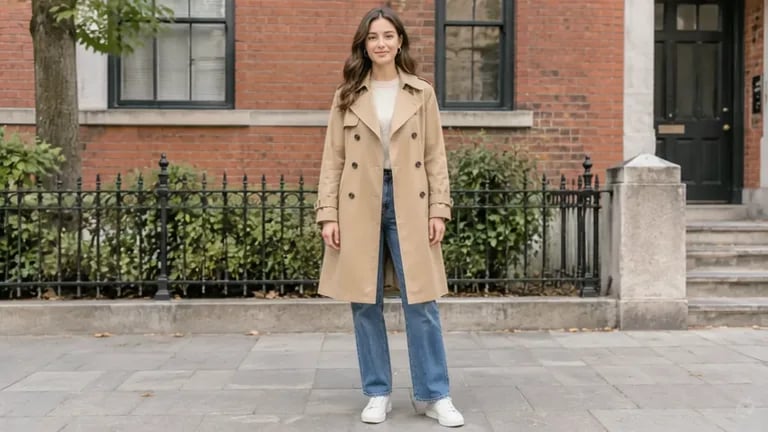
Same woman and street, but the whole outfit is different. Nothing in the first frame shows how a coat becomes a dress.
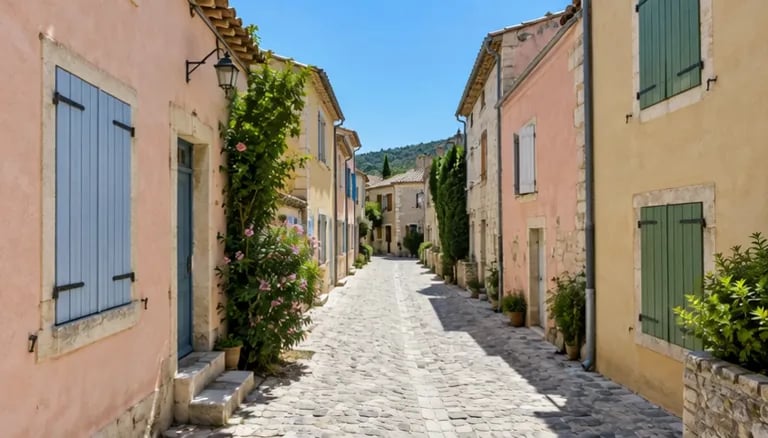
Same street from the same spot, but the light, the weather and the time of day all change.
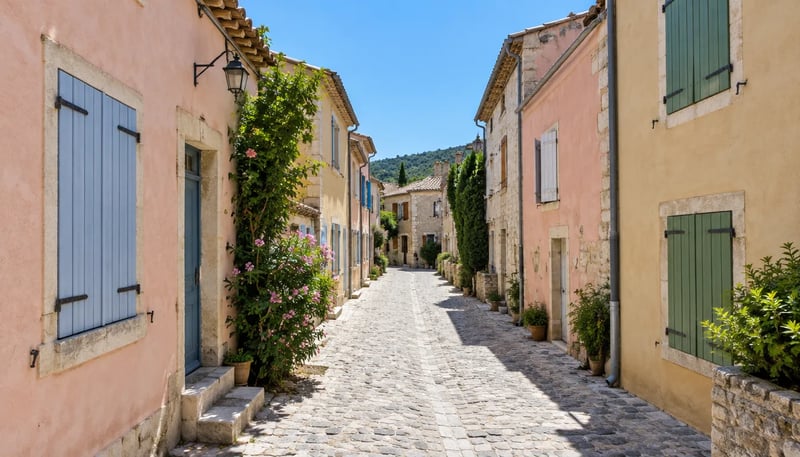
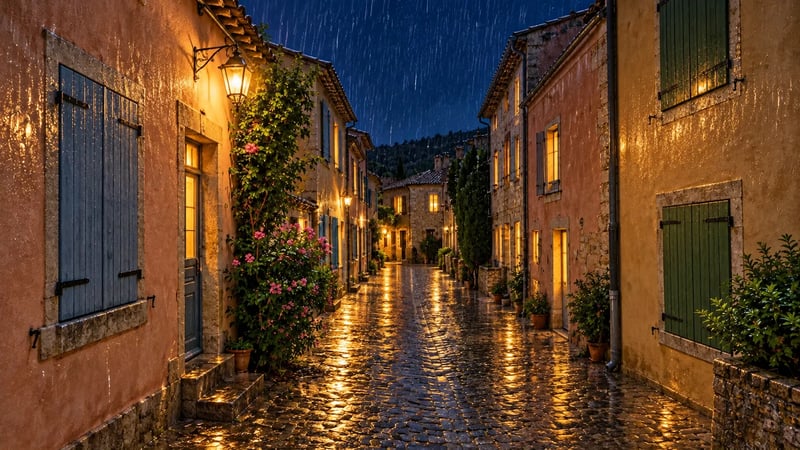
How far apart can the two frames be for a smooth transition?
Further than you might expect. All three pairs above keep the camera in the same place, and each prompt says how to get from one image to the other. Here is what Wan 3.0 frames to video made from them.
A small change moves like real footage
When the two images are close, Wan 3.0 treats the gap as ordinary movement: he looks up, smiles and lifts the cup, with no morphing in between. A short prompt that names the action is enough.
Prompt: "The young man's calm face slowly breaks into a warm laugh as he lifts the coffee cup off the saucer and looks into the camera. Static camera. Soft cafe ambience, quiet chatter, a light clink of the cup."
A medium change becomes a visual effect
A coat cannot turn into a dress through normal motion, so Wan 3.0 bridges the two frames with an effect: a golden shimmer runs over her from the shoulders down and leaves the red dress behind. Her face, pose and the street hold steady. If you want a real costume change instead, film or generate the in-between step as its own frame.
Prompt: "She stands still on the sidewalk while her beige trench coat, jeans and sneakers change into a long red satin evening dress in one smooth shimmer that sweeps from her shoulders down to her feet. Static camera. Quiet street ambience and a soft whoosh as the fabric changes."
A large change plays as a time-lapse
With the same camera position in both frames, a full change of light and weather comes out as a time-lapse: the light fades, the lantern and windows switch on, rain arrives and the stones turn wet. The prompt listed the changes in order, and the clip followed that order.
Prompt: "Time-lapse of the same street: the midday sun fades, the sky darkens to night, rain starts to fall, the wall lantern and the windows light up warm yellow and the cobblestones turn wet and shiny. Static camera. The sound of rain building up."
How to make a video from a first and last frame
- 1
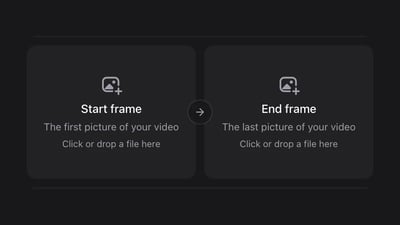
Upload the start and end frame
Any two images work. Two of the same size and shape give the smoothest transition.
- 2
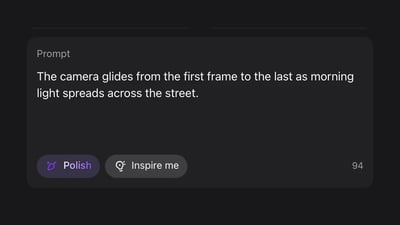
Describe the movement in between
Say what changes from the first frame to the last and how the camera moves.
- 3
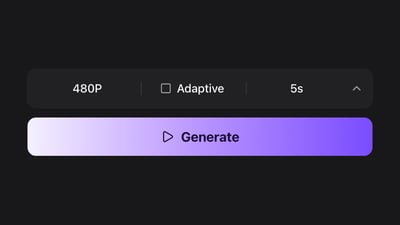
Choose length and quality, then generate
Start at 480P and 5 seconds to check the motion, then raise the quality or length for the version you keep.
Want to use three or more frames?
Wan 3.0 first and last frame to video takes two frames per clip: one start frame and one end frame. For keyframe to video with three or more keyframes, make it in segments. Generate the first clip from frame A to frame B, then a second clip from frame B to frame C, using the same picture as the end of one clip and the start of the next. Joined in any video editor, the clips meet on almost the same picture; look at the cut and trim a frame or two if the two ends differ slightly.
Keep the camera position and image size the same across all your keyframes, and give each segment its own short prompt for what happens in that step. Each segment can be up to 30 seconds.
Wan 3.0 frames to video settings at a glance
- First frame
- The opening picture
- JPG, PNG or WebP.
- Last frame
- The closing picture
- Required. For a first frame only, use Image to video.
- Length
- 2 to 30 seconds
- 5 seconds is the default. A longer clip gives the move more time.
- Quality
- 480P, 720P or 1080P
- 480P is the default. Move up once the motion looks right.
- Frame shape
- Adaptive, 16:9, 4:3, 1:1, 3:4 or 9:16
- Adaptive follows the shape of your pictures.
- Sound
- Always on
- Dialogue, effects and music come with the picture.
Wan 3.0 compared with other first and last frame AI video models
Pick one in the Model menu at the top of the generator.
| DefaultWan 3.0Generate | Kling 4.0Try | Kling 3.0Try | MiniMax H3 MaxTry | MiniMax H3 Max TurboTry | |
|---|---|---|---|---|---|
| Length | 2–30 s | 3–30 s | 3–15 s | 5–15 s | 5–15 s |
| Quality | 480P, 720P, 1080P | 720P, 1080P | 720P, 1080P, 4K | 480P, 768P, 1080P | 480P, 768P, 1080P |
| Last frame | Yes | Yes | Yes | Yes | Yes |
| Pick it for | Long moves up to 30 s with sound | Up to 30 s, from 720P | 4K, or a silent clip with sound turned off | Clips up to 15 s with synced audio | The lowest MiniMax price |
Plans and credits
Up to 500 images or 41 videos
- Up to 500 images
- Up to 41 videos
- All models, including Premium
Up to 1,250 images or 104 videos
- Up to 1,250 images
- Up to 104 videos
- All models, including Premium
Up to 3,750 images or 312 videos
- Up to 3,750 images
- Up to 312 videos
- Unlimited image generations
· No card required
Failed runs are refunded automatically · Cancel anytime
Wan 3.0 frames to video FAQ
Image to video only sets the opening shot. Frames to video sets the opening and the closing shot, so you decide where the clip ends.
They work best when they show the same subject or place at the same size and shape. Very different pictures still work, but the model has to invent more of what happens in between.
It depends on how far apart the two frames are. In our runs, two close frames came out as normal movement, an outfit change came out as a shimmer effect, and a day-to-night change came out as a time-lapse. If you need real-world motion, keep the two frames close or add a middle frame and make two clips.
Not in one clip: each generation takes one start frame and one end frame. Make one clip per pair of keyframes, reuse the end frame of one clip as the start frame of the next, then join the clips.
Yes. Two photos, two drawings or two AI-made images all work as the start and end frame, in JPG, PNG or WebP. The closer they are in subject and framing, the less the model has to invent.
Describe what changes between the two frames, not what is in them; the model already sees both pictures. Say what moves, in what order, and what the camera does, for example: "The camera circles the sneaker from front to back at an even pace while the studio light stays the same." When the two frames are far apart, name the steps in between, such as "the lamp switches off, then the window goes dark", so the transition does not have to guess.
From 2 to 30 seconds in one generation. A longer clip gives the move between the two frames more time.
Not for video. New accounts get 10 free credits, enough to make a first or last frame with GPT Image 2.5 Flare. Video uses credits from a plan or a credit pack: at 480P a clip costs 8 credits per second, so a 5-second clip is 40 credits, and 720P and 1080P cost more.
The credits for that clip go back to your balance automatically.
No. Videos come out without a watermark.
More ways to create a video
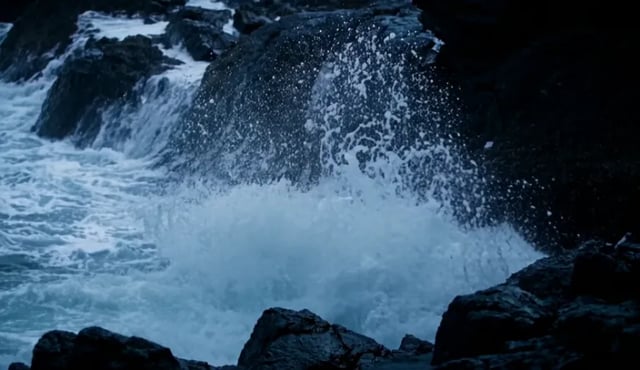
Wan 3.0 text to video
Describe what happens, who speaks and how the camera moves. Wan 3.0 returns 2 to 30 seconds of video with sound in one pass.
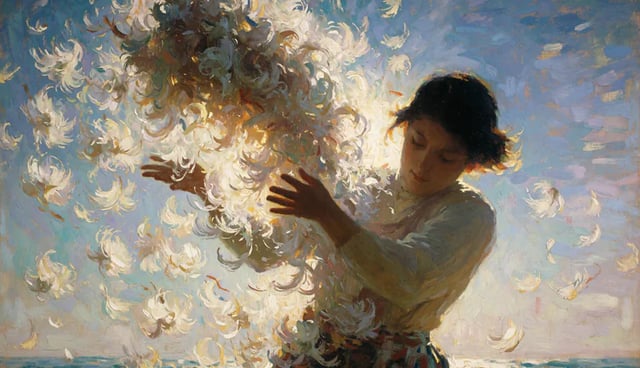
Wan 3.0 image to video
Upload a photo and describe the motion. Wan 3.0 animates it into up to 30 seconds of video with sound.
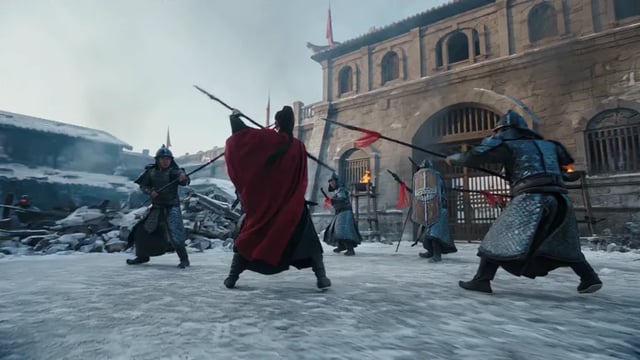
Wan 3.0 reference to video
Add up to 10 images, 5 clips and 5 audio files, then call them Image1, Video1 or Audio1 in your prompt. Wan 3.0 returns 2 to 30 seconds of video with sound.