One character across many shots
Upload the same person from a few angles as Image1 and Image2 and keep their look while the scene around them changes.
 Wan 3.0 AI
Add up to 10 images, 5 clips and 5 audio files, then call them Image1, Video1 or Audio1 in your prompt. Wan 3.0 returns 2 to 30 seconds of video with sound.
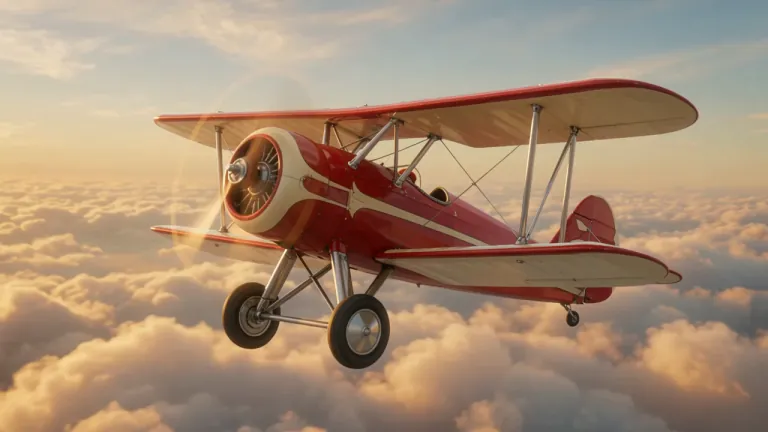
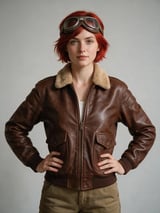
The red-haired aviator from Image 1 flies the vintage red and cream biplane from Image 2 high above a sea of golden sunset clouds. She pulls her goggles down, grins, and pushes the plane into a daring barrel roll as the propeller roars. The camera flies alongside the plane, then swings behind the tail for a sweeping view of the endless sky. Classic adventure film, warm golden light, wind and engine sounds.
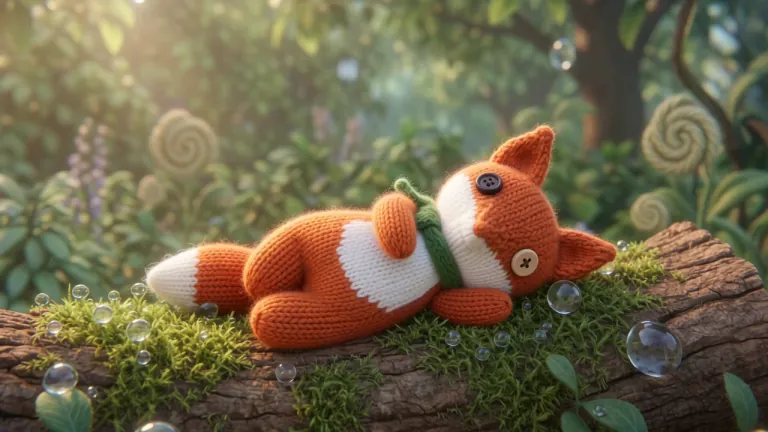 Official sample
Stop-motion animation. The knitted wool fox from Image 1 wakes up on a mossy log in a sunny garden, stretches, and hops across giant flowers and dewdrops. A curious ladybug lands on its nose, the fox sneezes and tumbles into a pile of soft petals, then pops up happily. Handcrafted miniature set, shallow depth of field, whimsical playful music.
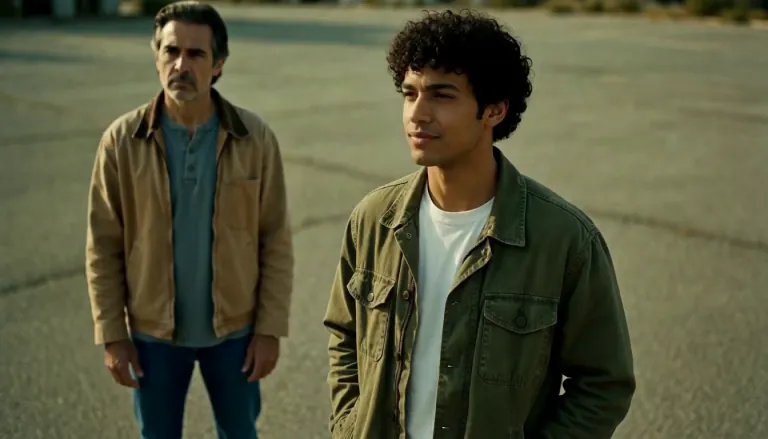 Official sample
The near man says flatly: "Did you hear about H3 Max?" A beat of silence, wind moving across the lot. The far man's mouth pulls into a slow half-smile and he answers, warm and certain: "Dude, I love it." The near man exhales and shakes his head once, almost smiling. Native audio, lip-synced English dialogue, distant traffic hum, wind. No music, no subtitles, no camera movement.
 Official sample
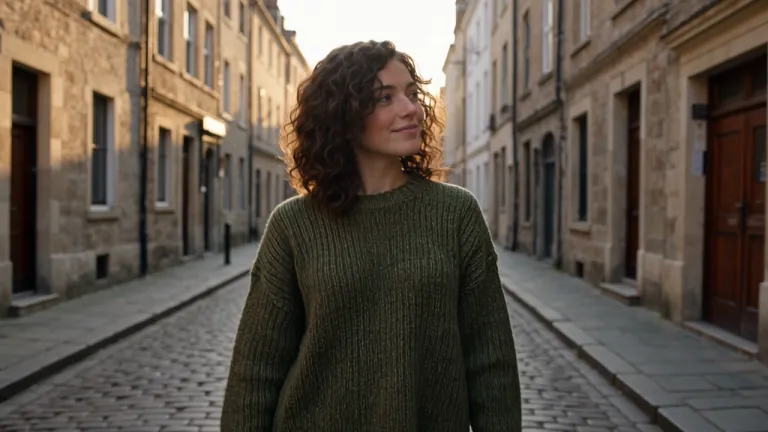
The woman from @Image1 walks along a quiet cobblestone street at golden hour, smiling and looking around, cinematic tracking shot, soft footsteps and distant city sounds
 Official sample
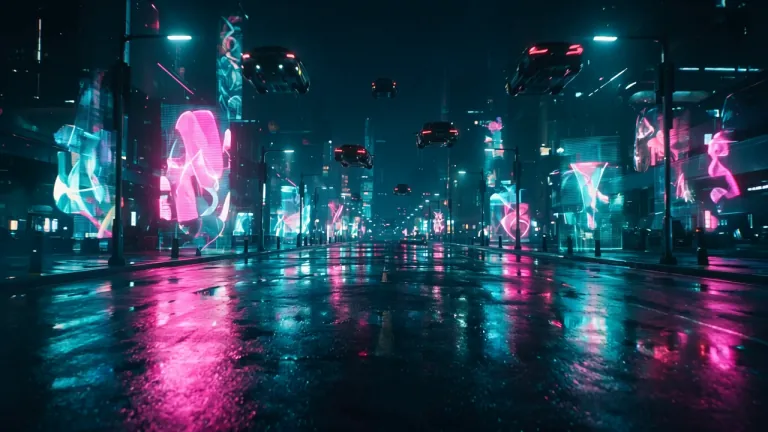
The cyberpunk courier woman from Image 1 races on a sleek hover bike through the rain-soaked neon city street from Image 2, weaving between flying cars. Two police drones with red lights chase her. She glances back, smirks, and says: "Package always gets delivered." She cuts sharply into a narrow alley and vanishes. Fast tracking camera, neon reflections, rain, whooshing engines, pulsing synthwave score.
 Official sample
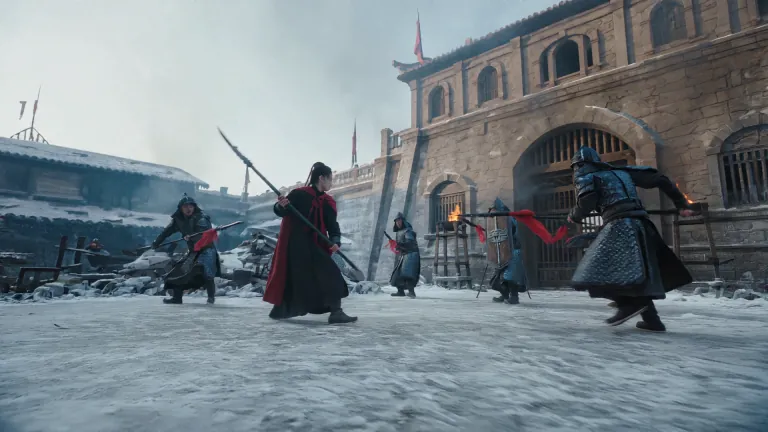
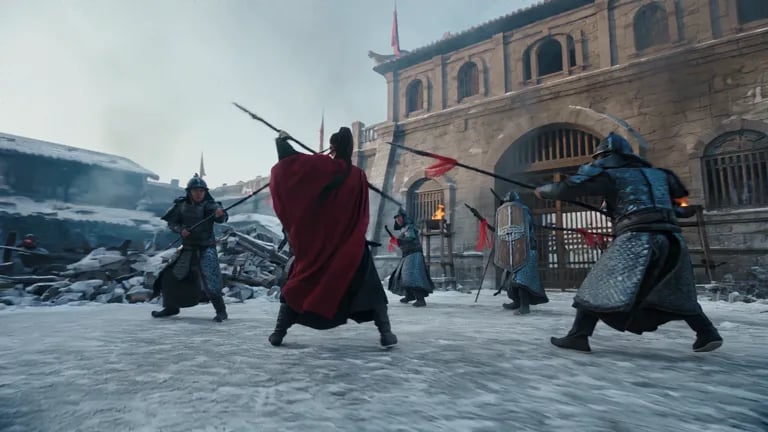
Low-angle wide in the courtyard; clockwise full orbit around her, easing fast to slow. Five soldiers close in on staggered timing; she sweeps a low circular parry deflecting two spears, reverses grip to knock a shield rim aside, then a burning oil pot detonates at the gate - she drops her center, angles the guandao across her body, boots skidding back three meters over ice, slicing a flying burning plank aside. Her spin whips the mantle into a circular trail; the blast births an orange fireball and fan-shaped shockwave, snapping braid and hem taut backward. Sound: layered readable clashes, boots on ice, air-suck then deep boom, shrieking skid. Transition: burning plank grazes the lens from right, flame wipe.
Wan 3.0 reference to video uses the pictures, video clips and audio you upload as references for a new scene. People, places or a look come from your images, a move or a camera motion from a clip, a voice or music from an audio file, and the prompt says how they come together.
Each upload gets a name such as Image1, Video1 or Audio1. Click the name to add it to your prompt, for example "Image1 walks through the market from Image2."
The clip here is an official Wan 3.0 reference to video sample; its prompt asks for a low-angle orbit around a swordswoman as soldiers close in.
Pick one in the Model menu at the top of the generator.
Upload the same person from a few angles as Image1 and Image2 and keep their look while the scene around them changes.
Add a clip as Video1 and ask for your own character to follow its movement.
Combine a product photo with a photo of a place and describe how the product appears in the scene.
Add a voice line or a music track as Audio1 and say who speaks or what moves to the beat.
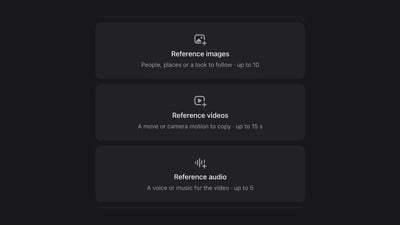
Images, video clips and audio each have their own box. Upload from your device, or pick from your assets when signed in.
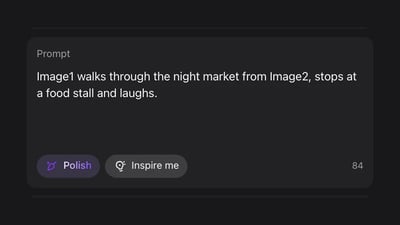
Click a reference's name to add it, then describe the scene: who does what, where, and to which sound.
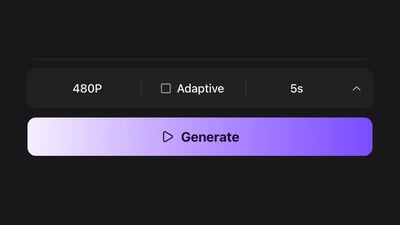
Start at 480P and 5 seconds to check the scene, then raise the quality or length for the version you keep.
Up to 500 images or 41 videos
Up to 1,250 images or 104 videos
Up to 3,750 images or 312 videos
· No card required
Failed runs are refunded automatically · Cancel anytime
It makes a new clip that follows things you upload, such as a face, a place, a movement or a sound, instead of starting from one picture as the first frame. With Wan 3.0 you can mix images, video clips and audio in one generation.
Image to video opens the clip on your photo. Reference to video does not use any one picture as the opening shot; it takes looks, moves and sounds from your references and builds a new scene.
Each upload is named Image1, Video1, Audio1 and so on. Click the name on its card to drop it into the prompt.
At 480P a clip costs 8 credits per second of the video you make, plus the same rate for each second of reference clips; images and audio add nothing. A 5-second clip from images only is 40 credits. New accounts get 10 free credits, enough to create a reference image with GPT Image 2.5 Flare. Credits for video come with a plan or a credit pack.
Yes. Wan 3.0 makes dialogue, sound effects and music together with the picture, and it can follow a voice or music you add as audio.
The credits for that clip go back to your balance automatically.
No. Videos come out without a watermark.
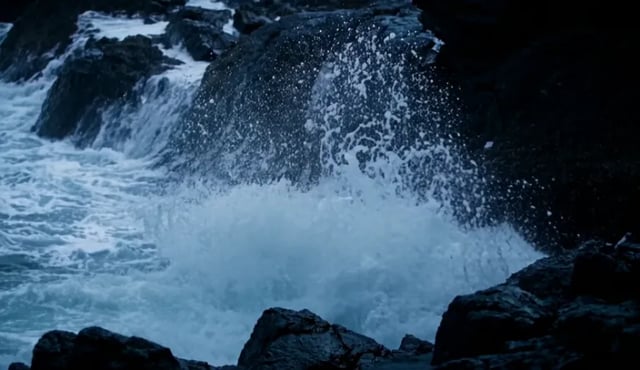
Describe what happens, who speaks and how the camera moves. Wan 3.0 returns 2 to 30 seconds of video with sound in one pass.
Upload a photo and describe the motion. Wan 3.0 animates it into up to 30 seconds of video with sound.

Upload a first and last frame, or any two images, then describe what happens in between. Wan 3.0 fills in the motion as up to 30 seconds of video with sound.